Settings / Integrations
Ask your AI
Attach a spreadsheet, a doc or a list. Your AI sets up the collection and saves every item as a draft.
Blog posts, case studies, integrations, team pages: any list on your site becomes a collection your whole team can update. Ask Claude to add an item, or add it yourself. The list page and the item's page build themselves.
Your AI fills the collection. Your team checks it and publishes.
Attach a spreadsheet, a doc or a list. Your AI sets up the collection and saves every item as a draft.
Check the table in dotsy. Delete the rows you don't want, select the rest and publish.
Open any post on your site and start typing. No forms and no preview button: what you write is what goes on the page.
We read what teams say about running blogs and lists with AI. These lines kept coming up. Under each one is what dotsy does about it.
who publishes the next blog post?Webflow agency · quarter.digital · Oct 2026 ↗
Anyone on your team, in the collection or right on the page.
Every new page and blog post was passing through one of our developers anywayHead of marketing · r/webflow · Aug 2026 ↗
Add an item and its page appears. Your developer stays on the product.
Publishes it as a Draft directly into my Webflow CMS. I just check it and hit publish.Business owner · LinkedIn · Apr 2026 ↗
Same here. Your AI saves drafts, you check and publish.
It's way to expensive for an independent professional to host a website/portfolio there, especially when you need the collections functionality.Freelancer · LinkedIn · Nov 2026 ↗
Collections are on every plan, Free included.
The problem is getting the client to actually review and approve before we publish.Agency · r/webflow · Jul 2026 ↗
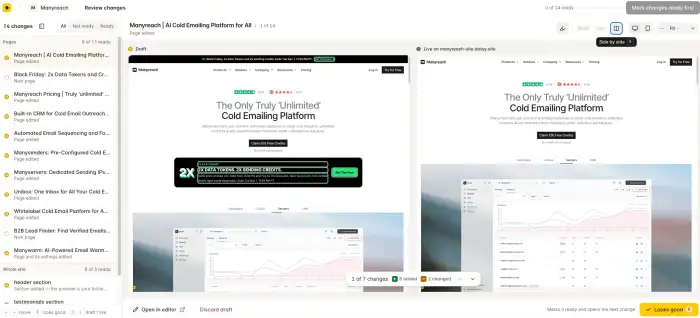
Anyone on the team marks changes Ready. Then they go live together.
realizing Webflow exports still leave out CMS content entirelyShow HN · Hacker News · May 2026 ↗
Export any collection as a CSV. Your pages are plain HTML.
None of these people work with us. Each quote links to the full post.
Collections are on every plan. Paid plans add a review step and longer history. Paid plans start at $15 a month for the whole workspace.
| Free | Core and up | |
|---|---|---|
| Collections and items | Unlimited | Unlimited |
| People who can edit | Unlimited | Unlimited |
| Pages per site | 10,000 | Unlimited |
| Review before anything goes live | – | Included |
| Version history | 7 days | 30 days |
| CSV export | Included | Included |
Yes. Move your site from its address, and dotsy can turn the copied blog or list pages into a collection with fields. Your old site stays as it is until you connect your domain.
No. Ask your AI to set it up, or let Suggest fields read the posts you already have. You can change the fields later.
Only if you allow it. In your site's AI access settings you choose whether agents can publish or only save drafts.
Sanity is a content backend your developers connect to a site they build and host. In dotsy, the collection, the pages and the hosting come together, and your whole team is included in one flat price. Sanity vs dotsy →
No limit on collections or items. Free sites can have up to 10,000 pages; paid plans have no page limit.
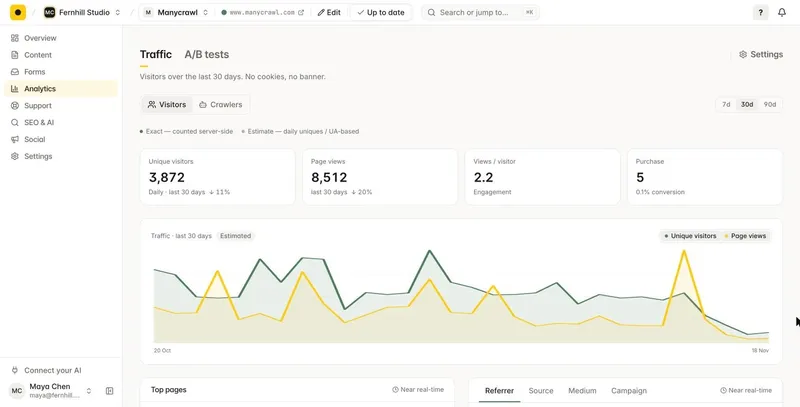
Your collections work with everything else in dotsy, from the editor to the numbers.
Start with what you already have. Your AI can set it up in one message.